All Your Sketch Are Belong to modules.cpp
Your humble Arduino-style sketch marches straight into the C++20 module world.
By Pawel Wodnicki · October 6, 2026
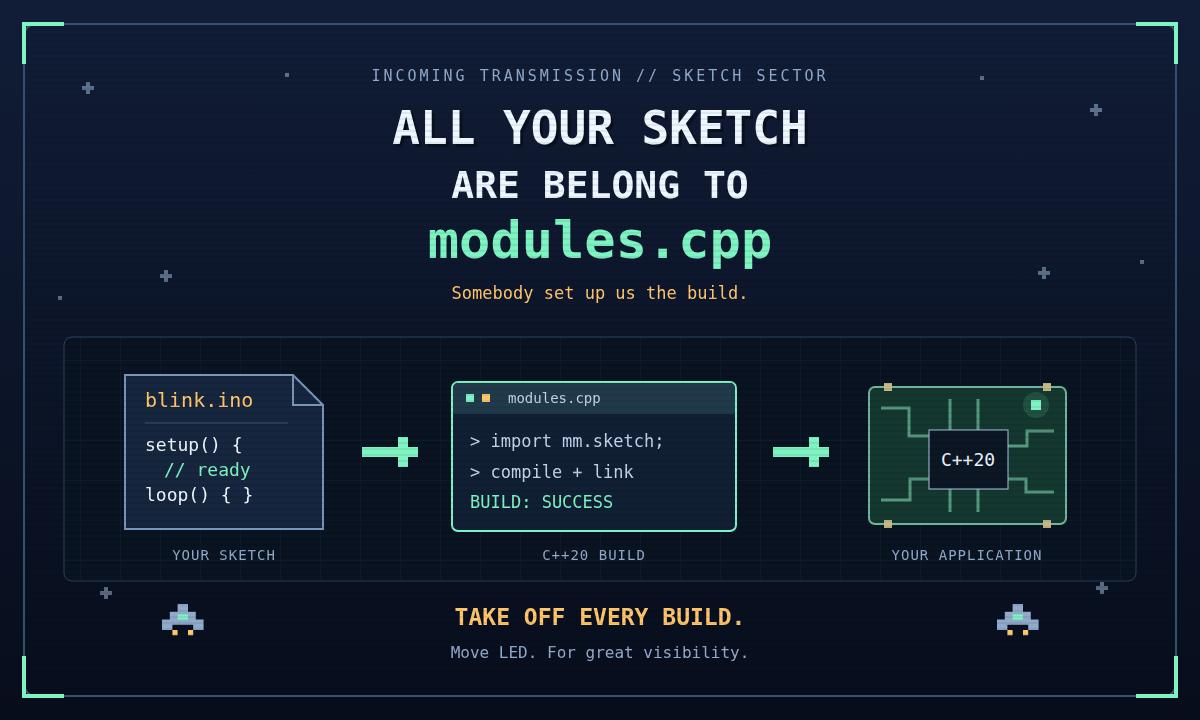
Somebody set up us the build. We get C++20. Main screen turn on.
Did you know that your humble sketch can march straight into the C++20 module
world? That little .ino file with setup() and loop() can become a C++20
application importing mm.sketch, compiled and linked by
modules.cpp.
Yesterday: blink an LED. Today: deploy the module fleet. Still blinking an LED. But with considerably more authority.
Your Sketch Has Received Reinforcements
You bring the sketch. modules.cpp brings mm.ino, the preprocessor that turns
it into main.cpp, and mm.sketch, the module that supplies the runtime. This
excerpt shows the generated application structure: Sketch.h comes before the
module import, followed by prototypes and your sketch functions. The entry
point hands setup and loop to the runtime:
#include "Sketch.h"
import mm.sketch;
using namespace mm::sketch;

void setup();
void loop();

// Your sketch's setup() and loop() live here.

int main() {
    return mm::sketch::run(&setup, &loop);
}
Your sketch gets a proper application entry point without you writing
main(). Eligible helper functions get forward declarations. Includes move
into the generated prelude. Multiple sketch files assemble in the order
declared by the manifest.
All your source are belong to the build. In declared order. We run a disciplined fleet.
Your .ino remains the source you edit. The generated application and
compatibility files stay beside it, ready to inspect and commit. The
transformation is visible; even a galactic takeover gets a code review.
Behold: The Blinking of Destiny
void setup() {
    pinMode(LED_BUILTIN, OUTPUT);
    Serial.begin(115200);
    Serial.println("All your sketch are belong to modules.cpp");
}

void loop() {
    ledOn();
    delay(500);
    ledOff();
    delay(500);
}
Did you know that ledOn() and ledOff() account for the board's declared
LED polarity? Your intention survives the difference between active-high and
active-low wiring. The selected board must provide a built-in LED; the fleet
has excellent logistics, but it does not deliver solder joints.
The runtime calls setup once and loop repeatedly, dispatching supported
work between iterations. Serial, GPIO, timing, SPI, and Wire reach the selected
platform through the compatibility runtime.
Move LED. For great visibility.
Take Off Every Build
Bootstrap modules.cpp and configure it for a supported firmware board. Then launch the existing blink example (which greets the console with a modest "blink", or edit it to announce your fleet's arrival):
./out/bin/sketch apps/ino/blink/
./out/bin/build apps/ino/blink/
./out/bin/sketch --check apps/ino/blink/
Generate. Compile. Check. The three commands of the compilation offensive.
The sketch command generates the application files. build compiles and
links the configured target, regenerating sketch output when needed. The
sketch --check command verifies generated content and parent registration.
Root wrappers ./sketch and ./build work too; use
./sketch --check apps/ino/blink/ for the same integrity check.
For broader project checks, ./check runs the rule checker and sketch
integrity checks and requires cppcheck. It commands a larger offensive.
A new directory named blink containing only blink.ino can get its initial
manifest from the sketch tool. Once a manifest exists, it commands file
selection and order. Declare every .ino file you intend to compile. No sketch
left behind. No sketch smuggled aboard.
Your Libraries May Join the Fleet
Sketch examples declare sketch-library entries to bring library include paths
and C/C++ sources into their application build. Those inputs travel with the
manifest, so the build knows what it is compiling and linking.
All your dependencies are belong to the manifest. The manifest would like their coordinates, please.
Compiling a sketch and operating its hardware are two separate victories.
Available APIs, board wiring, and peripheral ownership still determine what
runs. Unsupported facilities latch an error status you can inspect with
lastError(). The latch retains the first failure until clearError(). A
library built around a particular register map or an unavailable API may need
adaptation, and complex helper signatures may need declarations.
The conquest proceeds one supported capability at a time. With diagnostics. And preferably a functioning power supply.
For Great Compilation
Keep your sketch shape. Inspect the generated C++20 application. Build against the selected platform. Check the result on real hardware.
Your setup has a mission. Your loop has persistence. Your sketch has modules.cpp.
All your sketch are belong to modules.cpp. Take off every build.
Transmission Coordinates
- docs/modules-ino.mdy: sketch transformation, manifests, library inputs, generated-file checks, and preprocessing limits.
- docs/modules-sketch.mdy: runtime APIs, scheduling, board capabilities, and error reporting.
- apps/ino/blink/: the existing firmware blink example.
New to the project? Start with Compiler Is All You Need, explore the modules.cpp project page, or view the source on GitHub.
Pawel Wodnicki, 2026